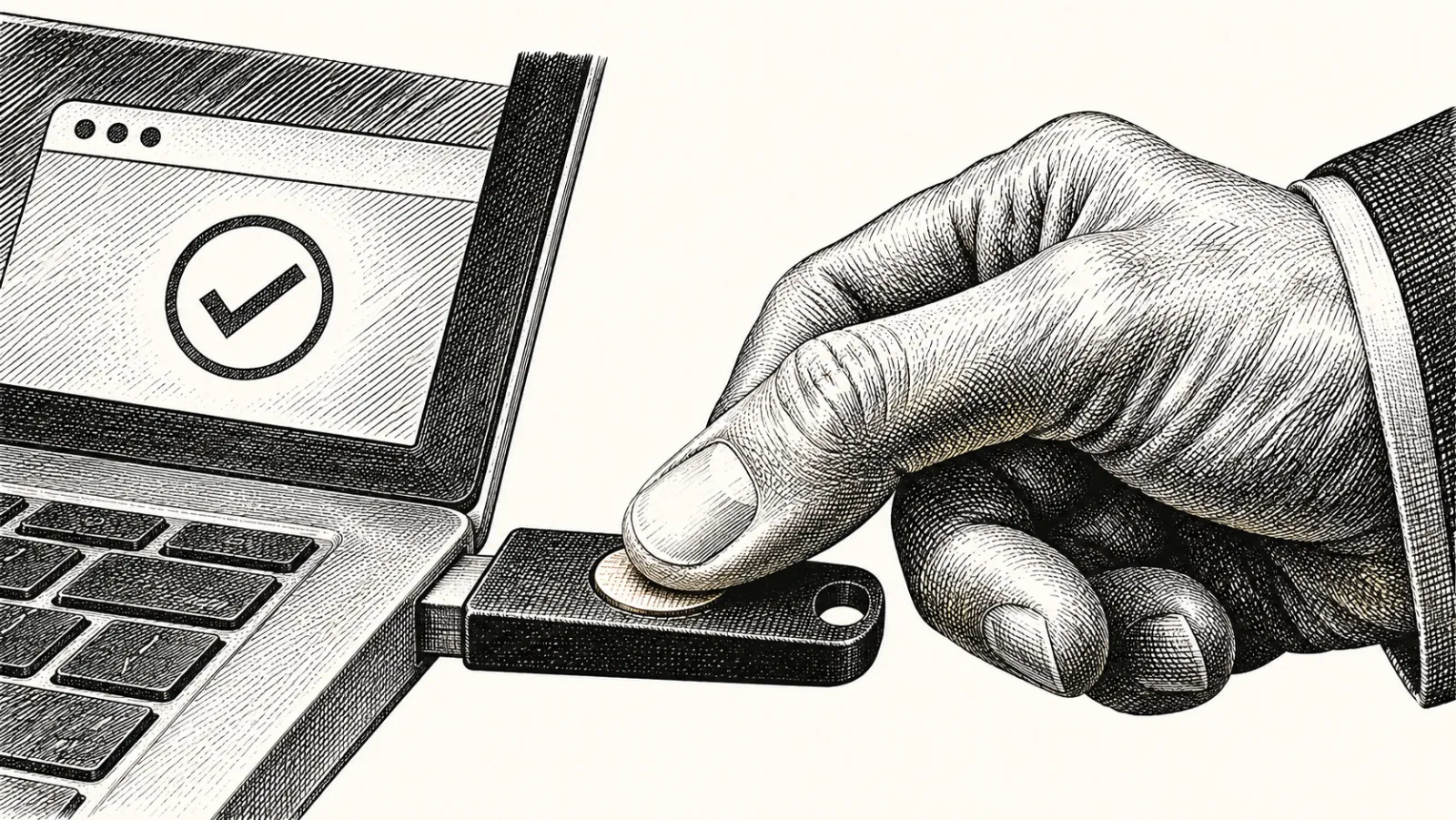
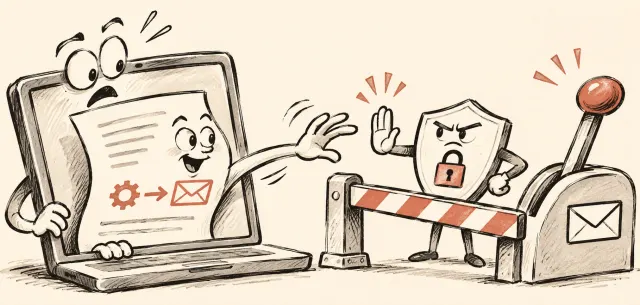
Many breaches of internal enterprise portals (ERP, CRM, cloud consoles, and financial approval dashboards) start when an employee enters a password and six-digit SMS OTP into a lookalike login page. Using Adversary-in-the-Middle (AiTM) toolkits, attackers place a reverse proxy between the staff member and the real portal, capturing passwords, OTP codes, and session cookies in real time. Meanwhile, SIM-swap fraud turns mobile carrier numbers into an external vulnerability outside engineering control.
Passkeys, built on W3C Web Authentication (WebAuthn) and FIDO2/CTAP2, remove shared secrets from login entirely. The employee's device keeps a private key inside hardware protection and signs assertions bound strictly to the legitimate portal domain.
Why WebAuthn Neutralizes Phishing Proxies and SIM-Swap
Phishing resistance comes from origin binding in WebAuthn Level 2. When the browser calls navigator.credentials.get(), it reads the active address-bar origin (such as portal-fake.example), embeds it inside clientDataJSON.origin, and passes it to the authenticator to sign alongside rpIdHash (the SHA-256 digest of the Relying Party ID).
If an AiTM proxy sits at portal-fake.example forwarding traffic to admin.enterprise.example, the signed assertion still carries the deceptive origin. When the backend validates the signature using the stored public key:
- 01It checks
clientDataJSON.origin against the strict internal allowlist (https://admin.enterprise.example). - 02It confirms
rpIdHash in authenticatorData matches the expected admin.enterprise.example hash. - 03Because the user cannot alter the browser-supplied
origin, verification fails immediately at the cryptographic layer.
Even if an employee clicks a phishing link and approves a prompt, zero reusable secrets leave the device. Carrier SIM-swap attacks also lose relevance since neither SMS nor voice calls are used.
Registration, Assertion, and Server-Side Verification
A production WebAuthn deployment must enforce strict checks on both Registration (Attestation) and Authentication (Assertion) per W3C and web.dev specifications:
- Credential Creation (`navigator.credentials.create`): After trusted onboarding or SSO verification, the backend generates a random
challenge (at least 16 bytes) with a short TTL (2 to 5 minutes) bound to the session. The browser receives rp.id (the portal domain), an opaque user.id without sensitive email PII, and preferred algorithms (ES256 at -7 and EdDSA at -8). - Public Key Storage: The authenticator (Secure Enclave, Windows Hello TPM, or USB/NFC FIDO2 key) generates an asymmetric key pair, keeps the private key local, and returns
attestationObject with credentialId and the COSE public key. The backend validates challenge, origin, rpIdHash, UP (User Present), and UV (User Verified), then stores credentialId, the public key, and initial signCount. - Sign-In (`navigator.credentials.get`): The server issues a single-use
challenge; the authenticator signs . The server consumes the immediately to block replay attacks, verifies the signature, and checks monotonic increments on non-synced hardware keys.
Device Sync, Recovery Planning, and Rollout
Architects must separate cloud-synced passkeys (iCloud Keychain, Google Password Manager) from device-bound passkeys on hardware tokens such as YubiKey by checking BE (Backup Eligibility) and BS (Backup State) flags in authenticatorData:
| Criterion | Password + SMS OTP | TOTP App | Synced Passkey (Cloud) | Hardware Key (FIDO2) |
|---|
| Blocks AiTM phishing proxy | No | No | Yes (origin-bound) | Yes (origin-bound) |
| SIM-swap risk | High | None | None | None |
| Lost-device continuity | Tied to phone number | Needs seed backup | Restores via cloud | Needs backup key |
| Hardware boundary control | Low | Medium | Tied to cloud account | High (physical token) |
| Recommended portal role | Retire completely | Limited fallback | General staff | Admins, finance, infra |
For privileged roles (Super Admins, DevOps, finance approvers), policy checks should reject BE = 1 keys and require at least two independent FIDO2 hardware keys (one primary, one stored securely as backup). Never leave SMS OTP on the login screen as a fallback, or attackers will force a downgrade. Lost-device recovery should rely on out-of-band identity verification (IT Security video review plus manager approval) to issue a short-lived enrollment token.
When upgrading internal portals and SSO gateways, teams can review ToanKhonTech's enterprise systems engineering services to integrate WebAuthn cleanly with existing RBAC policies. A four-phase rollout minimizes disruption: enable voluntary enrollment with telemetry, mandate WebAuthn for administrators and infrastructure teams, disable SMS OTP across all portals, and set passkeys as default with instant revocation tied to offboarding.
Scope, Caveats, and Operational Limits
This guide synthesizes public specifications from W3C Web Authentication Level 2, FIDO Alliance, and web.dev alongside ToanKhonTech's engineering practice; it does not claim discovery of any vendor vulnerabilities.
Passkeys eliminate password theft, SIM-swapping, and AiTM phishing at login, yet they do not replace post-login session defense. If an employee endpoint is infected with session-stealing malware, or if the portal has XSS bugs or missing HttpOnly, Secure, and SameSite cookie flags, active sessions remain exposed. Engineers must also scope rp.id carefully, avoiding broad apex domains when untrusted subdomains exist, and pair WebAuthn with short session lifetimes and least-privilege access controls.