Unlike web apps hosted behind controlled servers, compiled .ipa packages on iOS and .apk or .aab bundles on Android ship directly to end-user devices. With jadx, apktool, class-dump, or Frida, an attacker can inspect embedded strings, read local config files, or intercept traffic via proxy if certificate checks are weak. For enterprise apps handling payments or internal operations, the OWASP Mobile Application Security Verification Standard (MASVS) turns security principles into measurable controls across source code and release builds.
Securing Tokens with iOS Keychain and Android Keystore
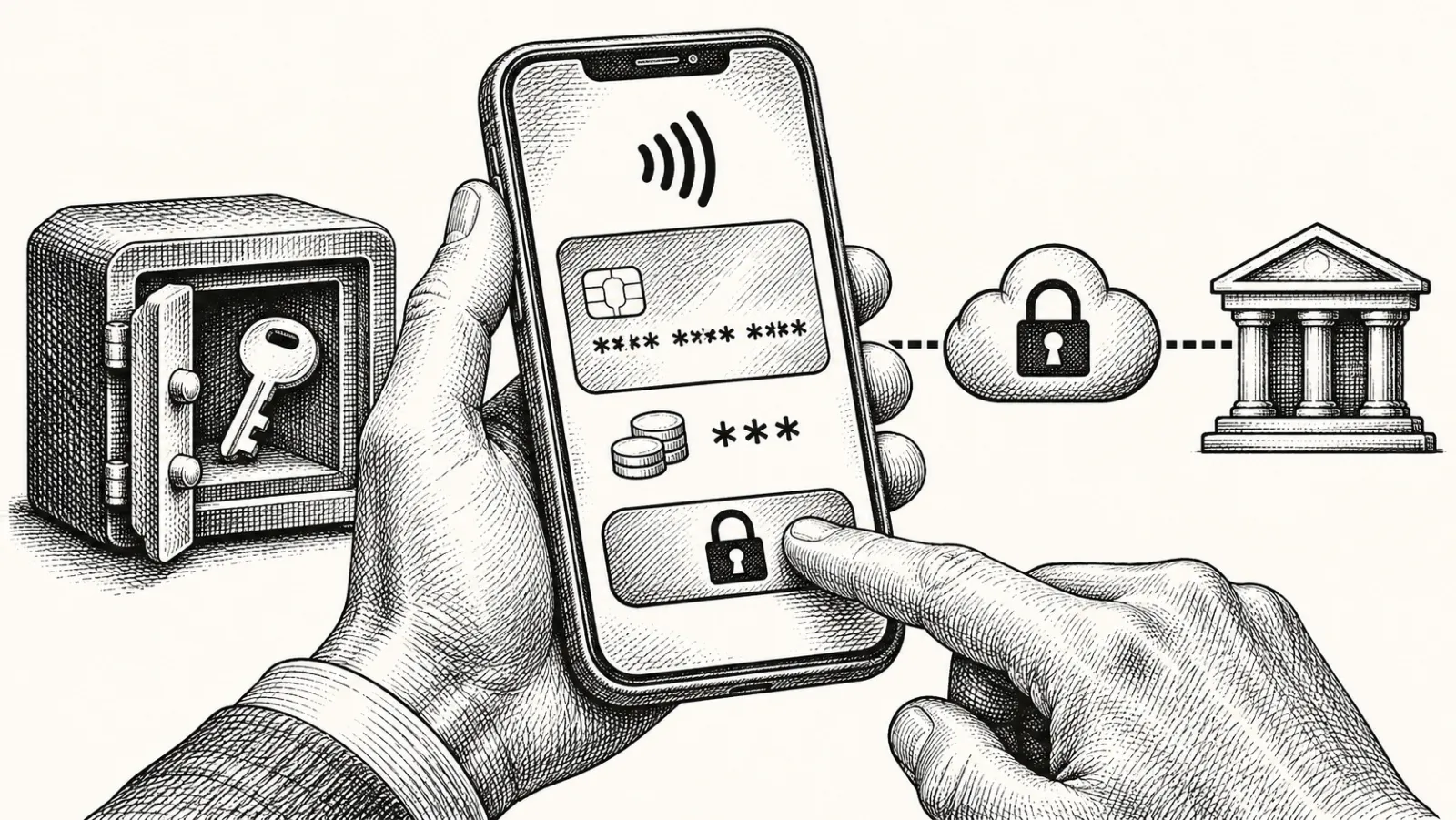
Under MASVS-STORAGE, session tokens, PINs, and personally identifiable information (PII) must never reside in plaintext UserDefaults, SharedPreferences, JSON files, or unencrypted SQLite. On rooted or jailbroken devices, or when backups are extracted offline, plaintext sandbox files can be read directly without hardware decryption.
On Apple platforms with Swift, store credentials in Keychain Services, where the Secure Enclave protects keys on supported hardware. Assign strict flags such as kSecAttrAccessibleWhenUnlockedThisDeviceOnly (or kSecAttrAccessibleAfterFirstUnlockThisDeviceOnly only when background token refresh is needed). The ThisDeviceOnly suffix blocks secrets from migrating through iCloud or device backups. For high-risk actions, combine SecAccessControlCreateWithFlags with .biometryCurrentSet so stored keys invalidate if enrolled biometrics change.
On Android, wrap local secrets with AES-256-GCM keys generated and locked inside the Android Keystore (preferring TEE or StrongBox via KeyGenParameterSpec) so raw key material never enters app memory. Use Google Tink or Keystore-backed encrypted wrappers instead of plain SharedPreferences. Set android:allowBackup="false" and configure dataExtractionRules in AndroidManifest.xml to block ADB and cloud extraction. Upon logout, purge Keychain or Keystore items, wipe WebView caches, and avoid leaving OTPs or passwords in keyboard caches or shared clipboards.
A common mistake across MASVS-CRYPTO and MASVS-CODE is embedding third-party private API keys, OAuth client_secret strings, or webhook secrets in .env, BuildConfig, Info.plist, or strings.xml. Shrinkers like ProGuard and R8 rename classes and methods, yet they do not hide literal strings in constant pools or JavaScript bundles (index.android.bundle, main.jsbundle). Any secret inside a release binary must be treated as public.
The sound design separates public client identifiers from server secrets through a Backend-for-Frontend (BFF):
- Use OAuth 2.0 Authorization Code + PKCE (`S256`): mobile apps carry no
client_secret, generating a per-session code_verifier on the device to obtain short-lived access tokens (5 to 15 minutes) and rotating refresh tokens. - Keep partner keys on the BFF: requests to payment gateways, AI services, or SMS providers pass through the enterprise backend, which injects secret credentials, enforces rate limits, and verifies record ownership.
- Restrict mandatory client SDK keys: bind maps or analytics keys strictly to the iOS Bundle ID and Android Package Name plus SHA-256 signing certificate fingerprint.
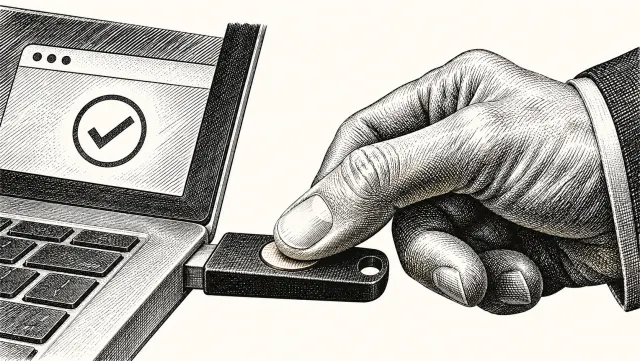
- Verify app and device integrity: pair Apple App Attest (DeviceCheck) and Google Play Integrity API for sensitive flows, while stripping debug flags and staging endpoints from release builds.
Enforcing TLS and Masking Sensitive Screens in Background Switchers
In transport (MASVS-NETWORK) and platform handling (MASVS-PLATFORM), two frequent flaws are cleartext downgrades and data exposure in multitasking previews.
Both platforms must require TLS 1.2 or 1.3. On iOS, keep App Transport Security (ATS) enabled without setting NSAllowsArbitraryLoads = true in Info.plist. On Android, declare network_security_config.xml with cleartextTrafficPermitted="false" and trust only system CAs in release builds, excluding user-installed proxy CAs. High-assurance apps may add public-key pinning (SPKI pinning) via URLSessionDelegate or <pin-set> / OkHttp CertificatePinner, provided teams include backup pins and clear expiration dates to avoid locking out older versions during rotation.
When a user switches apps, the OS captures a preview screenshot for the multitasking switcher. On iOS, handle sceneWillResignActive to place a blur or privacy overlay over the main window and remove it in sceneDidBecomeActive. On Android, enable WindowManager.LayoutParams.FLAG_SECURE (and consider setRecentsScreenshotEnabled(false) on Android 13+) on Activities displaying balances, OTPs, or contracts to blank switcher previews and block unauthorized screen capture.
| OWASP MASVS Area | Common Build Risk | iOS Reference Control | Android Reference Control | Pre-Release Check |
|---|
| MASVS-STORAGE | Tokens in UserDefaults / SharedPreferences | Keychain with ThisDeviceOnly, SecAccessControl | Keystore (TEE/StrongBox) AES-256-GCM, allowBackup="false" | Extracting sandbox or backups reveals no plaintext tokens |
| MASVS-CRYPTO & CODE | Hardcoded API keys or client_secret | OAuth 2.0 PKCE, BFF secrets, App Attest | OAuth 2.0 PKCE, BFF secrets, Play Integrity API | Scanning .ipa/.aab with strings/jadx finds no secrets |
| MASVS-NETWORK | Cleartext HTTP or user proxy CA trust | Default ATS enabled, no NSAllowsArbitraryLoads |
Building these controls in early avoids expensive rework after penetration testing. Teams can explore our engineering workflow for enterprise iOS and Android mobile app development at ToanKhonTech.
Scope, Engineering Caveats, and Practical Limitations
This guide synthesizes engineering practices mapped to the public OWASP MASVS standard and official Apple Developer documentation; it is not an independent audit report or a claim of discovering OS vendor vulnerabilities. These controls reflect ToanKhonTech's studio practices and should be validated against each product's threat model.
In practice, Keychain and Keystore stop offline file extraction but cannot defeat an attacker holding an unlocked device or running root/jailbreak instrumentation. Certificate pinning blocks rogue CAs yet risks outages if rotated without backup pins, while blanket FLAG_SECURE usage blocks legitimate support screen sharing. Always pair mobile hardening with server-side authorization and recurring OWASP MASTG testing.