Write ACCESSIBILITY.md around user needs and reporting barriers
Organize accessibility information around tested environments, known barriers and a clear reporting route. A document does not replace product testing.
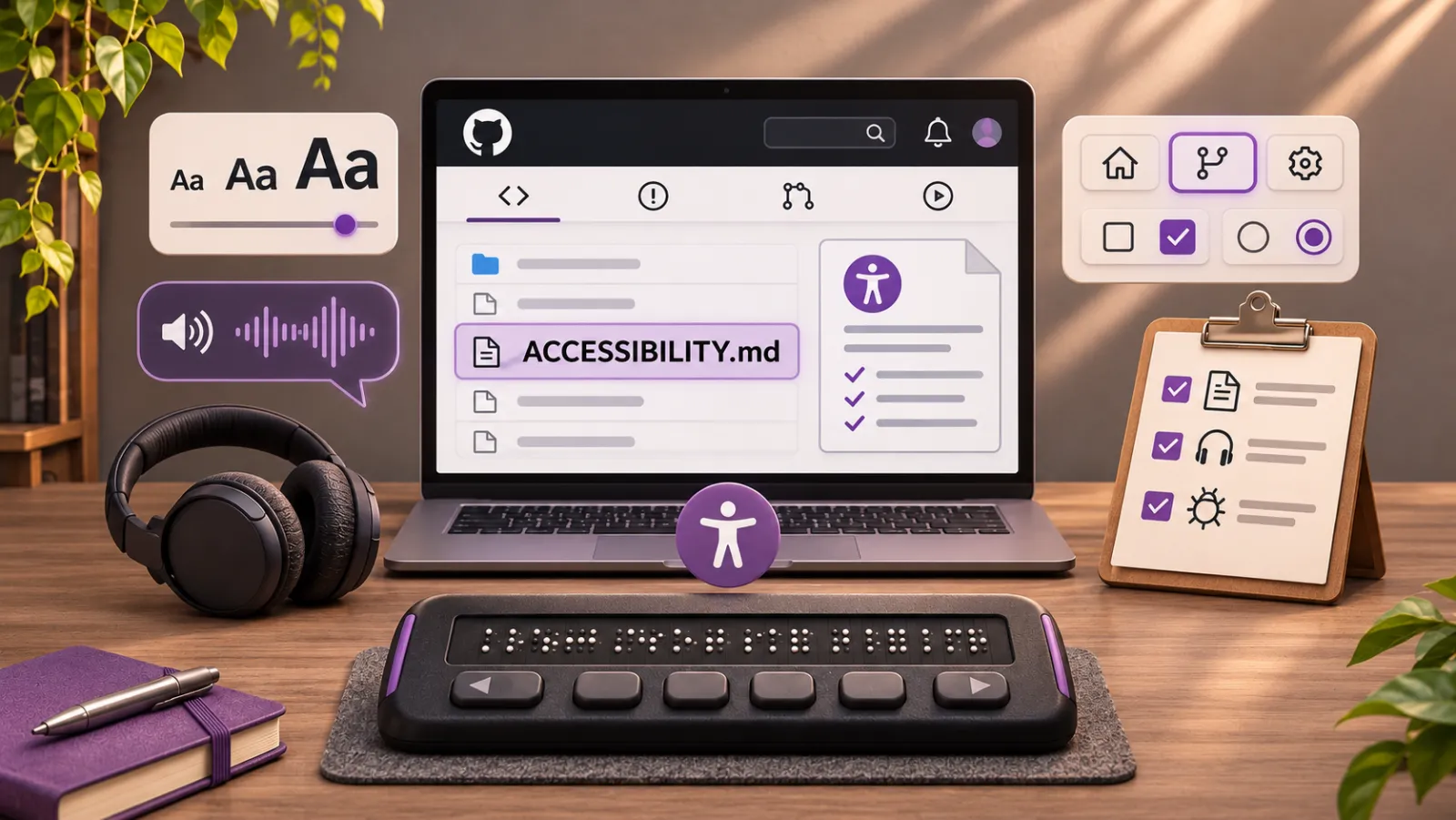
- The rollout was logged October 1; the November 5 article explains its use.
- Statements need limitations, reporting routes and an owner.
- An ACCESSIBILITY.md file is not certification of conformance.
GitHub is making accessibility information easier to find on repository overview pages. An ACCESSIBILITY.md file gives users a place to discover tested environments, remaining barriers and reporting routes instead of searching through scattered discussions.
What appears in the repository?
GitHub’s documentation describes an Accessibility tab and a link in the About section. It checks .github first, followed by the repository root and docs. Repositories without their own statement can inherit one from the organization’s .github repository.
This arrangement can help organizations maintaining multiple projects. In ToanKhonTech’s assessment, however, a shared statement is only a starting point. A web application, command-line tool and component library present different barriers. Repeating the same commitment across all three does not answer a user’s practical questions.
Explain how someone can complete a blocked task
W3C recommends plain language, known limitations and contact information. Describing a missing video caption or an operation unavailable from the keyboard is more useful to an affected user than listing a standards identifier alone.