B2B companies and consumer service teams frequently face the same architectural question when expanding on mobile: build installable native applications for the App Store and Google Play, or package an existing web platform as a Progressive Web App (PWA). Framing this purely as an upfront budget shortcut often backfires, because the decision directly shapes user retention, offline dependability, and engineering overhead over the next 24 months.
Execution Architecture and Real iOS Safari Constraints
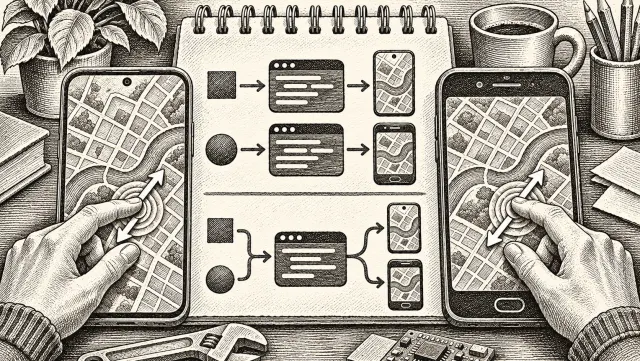
As outlined in the web.dev Progressive Web Apps documentation, a PWA combines a Web App Manifest, HTTPS delivery, and a Service Worker acting as a programmable network proxy in the browser. On Android with Chrome, PWAs integrate closely with the operating system via WebAPK, generating a lightweight wrapper package so the icon lives in the app drawer and task switcher much like a standalone application.
By contrast, Apple Developer documentation on Swift reflects the native model: code compiles directly to iOS machine binaries with full access to SwiftUI, UIKit, local SQLite or CoreData persistence, BGTaskScheduler, and hardware interfaces such as Bluetooth Low Energy (BLE), NFC, and the Secure Enclave. On iPhone and iPad, a PWA runs inside the WebKit (Safari) sandbox, introducing three practical engineering limits:
- Script-writable storage eviction: Safari Intelligent Tracking Prevention (ITP) can evict IndexedDB and Cache API data after roughly seven days without user interaction in the browser, unless the user explicitly installs the site to the Home Screen.
- No durable background sync: WebKit does not implement the Background Sync API or Periodic Background Sync available in Chromium browsers, meaning offline form submissions cannot reliably upload once the user closes the browser tab.
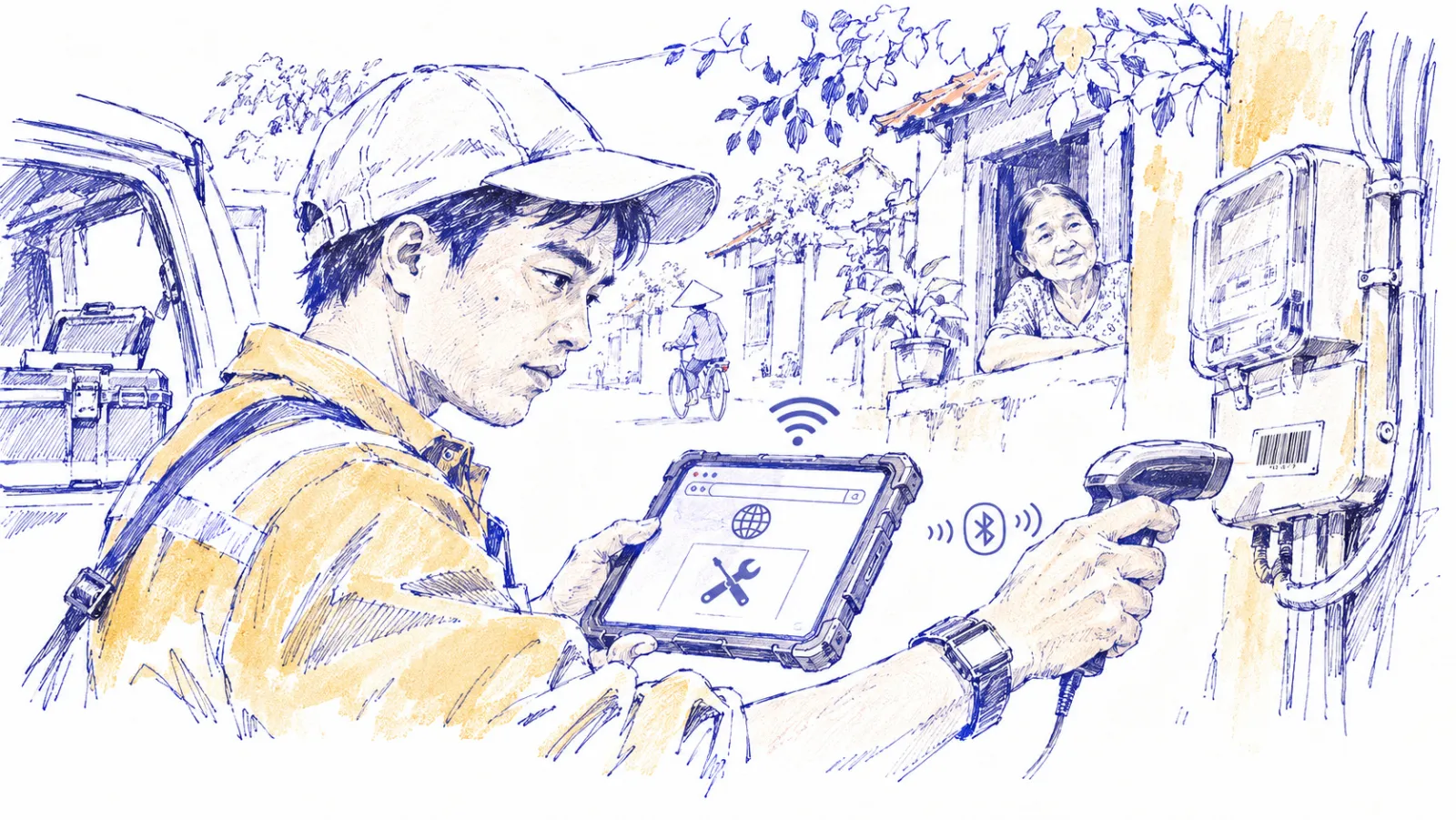
- Restricted hardware and sensor access: iOS PWAs cannot maintain background BLE peripheral connections, perform custom background NFC sessions, or run continuous background geofencing needed by field logistics and delivery teams.
Push Notifications, App Store Discovery, and Offline Reliability
Push notifications create one of the widest operational gaps between the two paths. On Android, Web Push using the Push API and VAPID keys behaves closely to Firebase Cloud Messaging as soon as a visitor grants permission inside Chrome. On iOS (16.4 and newer), Web Push functions only after a multi-step flow: the user must open the URL in Safari, tap Share, select "Add to Home Screen", launch the Home Screen icon, and then accept the notification prompt. For broad consumer audiences, abandonment across those manual steps is substantially higher than tapping "Get" on an App Store listing.
Discovery channels also pull in opposite directions. A PWA enters with zero installation friction: a user clicking a Google search result, scanning a retail QR code, or opening an email link lands inside the interactive flow within seconds without downloading tens of megabytes. Native apps, however, unlock category keyword search inside the App Store and Google Play, public star ratings that reinforce trust at first glance, and managed corporate deployment through Apple Business Manager or Managed Google Play.
Offline reliability follows a similar divide. Service Workers excel at caching application shells, static catalogs, and lightweight read-mostly lookups. When staff must capture dozens of inspection photos, collect signatures, and reconcile inventory inside basements or rural warehouses with no signal, native apps backed by SQLite and OS-managed background queues protect pending writes far better against browser cache pressure. Teams weighing deep offline workflows or peripheral hardware integration can review our mobile app development service for architecture scoping.
Technical Comparison and 24-Month Total Cost of Ownership
Evaluating total cost of ownership (TCO) over 24 months requires counting beyond initial build hours to include signing certificate maintenance, cross-device QA matrices, and annual OS upgrade adaptation:
| Evaluation Criterion | Progressive Web App (PWA) | Installable Native App |
|---|
| Discovery & First Entry | Direct URL, QR code, search SEO, zero install | App Store, Google Play search, enterprise MDM |
| iOS Push Notifications | Requires manual Add to Home Screen first | Direct APNs delivery with rich action buttons |
| Offline Data Durability | Cache API + IndexedDB, subject to Safari limits | Local SQLite/CoreData with OS background tasks |
| Deep Hardware Access | Limited web camera, no background BLE or NFC | Full BLE, NFC, biometrics, Secure Enclave access |
| Patch & Release Velocity | Instant server deploy, immediate user refresh | Binary store review cycle on App Store and Play |
| 24-Month Maintenance Load | Lower when extending an existing web stack | Higher due to iOS/Android SDK updates and stores |
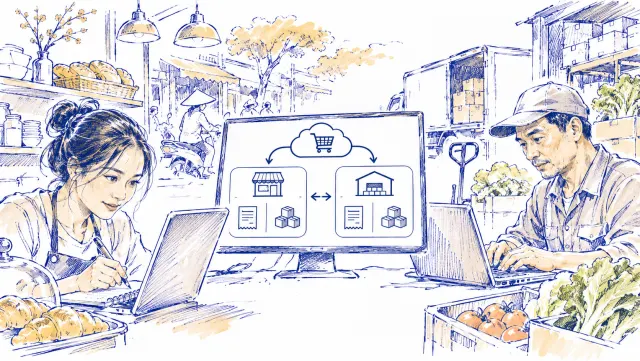
Over a 24-month operating window, a PWA typically lowers combined engineering and maintenance spend by roughly 35% to 55% for B2B client portals, order tracking, appointment booking, and internal workflows shared across desktop and mobile. Conversely, if business unit economics depend on high-frequency re-engagement via push alerts, frictionless biometric checkout, or reliable offline field sync, the extra investment in native development often pays back through stronger retention and conversion.
Organizations do not have to treat this as an irreversible binary choice. A pragmatic path is validating usage with a responsive web platform and PWA during the first six months, measuring real iOS vs Android behavior, and spinning out native modules only for workflows that hit hardware or retention ceilings.
Scope, Caveats, and Practical Engineering Limits
This analysis separates verifiable platform behaviors documented by web.dev and Apple Developer from ToanKhonTech's 24-month TCO and operational assessment derived from enterprise delivery work. Cost ranges serve as comparative planning benchmarks rather than fixed project estimates across all product scopes.
WebKit capabilities on iOS and regional app distribution policies, particularly in the European Union under the Digital Markets Act, continue to shift across OS releases. Before locking a 24-month roadmap, product and engineering leads should audit the actual iOS-to-Android split in their target audience and test push enrollment plus offline persistence directly on physical iPhone hardware.