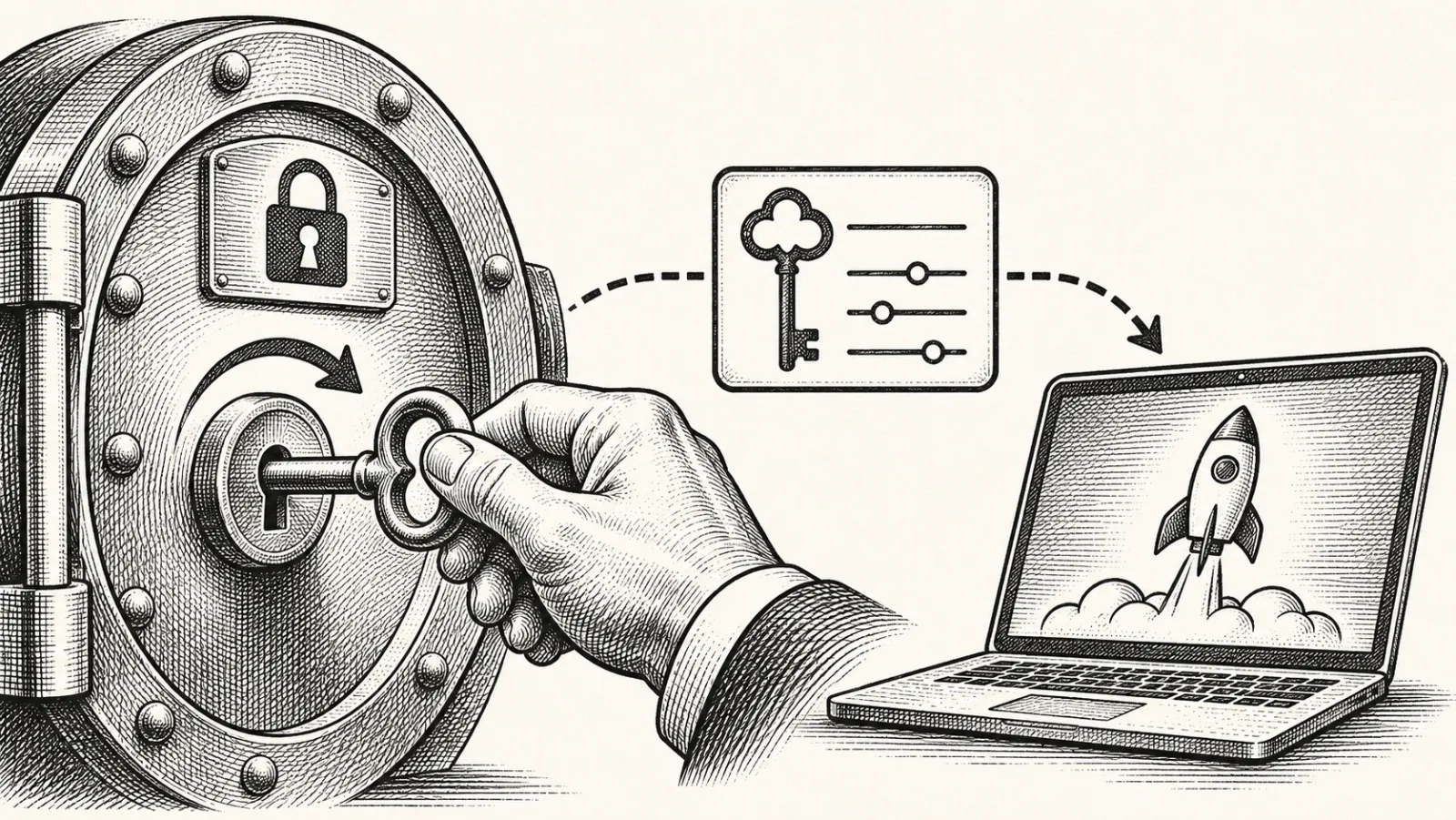
In software operations, a single accidental commit containing a .env file, payment API key, database connection string, or webhook signing secret can trigger an immediate incident. Automated scrapers monitor public repositories and collect exposed tokens within minutes of a push, while private repositories remain exposed if developer laptops or member accounts are compromised. Deleting the file in a later commit does not fix the leak because the original blob stays in Git history.
Stopping credential leaks requires layered controls from developer workstations to production runtimes: keeping .env files out of Git tracking, enforcing remote push protection on GitHub, isolating dev, staging, and production credentials, scoping tokens to least privilege, and rehearsing fast revocation drills.
1. Keeping .env files out of Git and enabling GitHub Secret Scanning Push Protection
Adding .env to .gitignore is rarely enough. Engineers can still run git add -f, copy .env.local into a Docker build context, or assign server credentials to public frontend build prefixes (NEXT_PUBLIC_, VITE_), bundling private keys straight into browser JavaScript.
Version control should hold only an .env.example template with empty values or harmless placeholders:
# .env.example (safe to commit)
DATABASE_URL=""
PAYMENT_API_KEY=""
WEBHOOK_SIGNING_SECRET=""
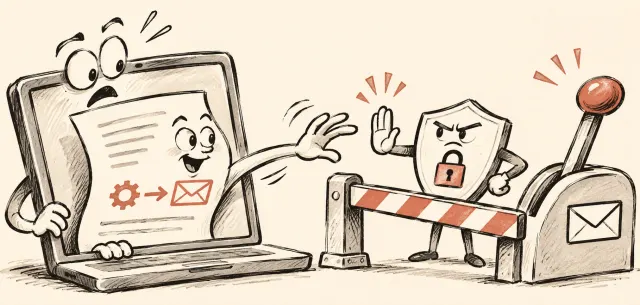
According to GitHub Docs on secret scanning, two defenses work together: scanning repository history, issues, and pull requests for partner token formats and custom regex patterns, and push protection. With push protection enabled, GitHub inspects commits during git push and blocks pushes containing recognized secrets before they enter shared history.
Because local pre-commit hooks can be bypassed with --no-verify, teams should pair strict .gitignore rules covering all .env* files (except .env.example) with CI checks on public frontend variables and mandatory organization-level push protection.
2. Separating dev, staging, and prod credentials with least-privilege scoping
Sharing one API key or database account across local development, staging, and production widens the blast radius of any error. A local test script or compromised staging worker could read live customer records or forge production webhooks.
As documented in Cloudflare Docs for Workers, sensitive edge configuration must never sit in plaintext inside vars in wrangler.toml or wrangler.jsonc. Local secrets belong in .dev.vars (ignored by Git), while cloud environments receive encrypted bindings separately:
# Provision isolated secrets per environment on Cloudflare Workers
npx wrangler secret put DATABASE_URL --env staging
npx wrangler secret put DATABASE_URL --env production
npx wrangler secret put WEBHOOK_SIGNING_SECRET --env production
Each token should also hold minimum required permissions: object-storage keys restricted to one bucket and prefix; reporting database users limited to SELECT on specific views; third-party API keys scoped narrowly (invoices:read instead of admin) with IP or domain allowlists. When architecting pipelines through Cloud and DevOps engineering services, ToanKhonTech isolates secret stores by environment and separates CI runner permissions from production runtime secrets.
3. Secret control matrix, scheduled rotation, and fast revocation drills
| Secret category | Storage & runtime injection | Least-privilege boundary | Rotation cadence | Primary action on suspected leak |
|---|
| Third-party API keys | Encrypted runtime secrets or Vault | Required scopes only, IP/domain allowlist | Every 90 days or on offboarding | Revoke key immediately in provider console |
| Database URLs & tokens | Per-environment runtime secret (prod vs staging) | Split read/write roles, never SUPERUSER | Every 90 days; prefer short-lived tokens | Rotate DB role password and drop old sessions |
| Webhook signing secrets | Dedicated secret per receiving worker | Limit HMAC verification to one endpoint | 90 to 180 days via dual-key overlap | Issue secondary secret, drop old key after switch |
| CI/CD & deploy tokens | Environment-scoped CI secret store | Bind to specific repo, branch, and env | 30 to 90 days or ephemeral OIDC | Revoke token at target platform, audit deploy logs |
To rotate keys on schedule without dropping live traffic, use a dual-key overlap window (K1 and K2):
- 01Generate
K2 while the verification path temporarily accepts both K1 and K2. - 02Deploy
K2 to staging first, verify checks pass, then roll K2 out to production. - 03Confirm request logs show zero calls using
K1, then revoke K1 completely.
When a secret leaks into Git history or CI logs, fast revocation drills must invalidate the credential at the provider first (revoking the API key, rotating the DB password, or overwriting the runtime secret) before touching Git. Once access is cut off, audit provider and database logs for the exposure window, then rewrite Git history only if cleanup is needed, noting that forks or CI caches may still hold earlier commits.
Scope, caveats, and technical limitations
Descriptions of secret scanning and push protection follow official GitHub documentation, and edge secret binding examples follow official Cloudflare Workers documentation. The control matrix, dual-key overlap workflow, and revocation drill order reflect ToanKhonTech's engineering practice rather than third-party audits or claims of discovering vendor vulnerabilities.
In practice, default secret scanning relies on known partner formats and custom regex rules; ad-hoc internal passwords can slip past pattern matching without custom rules and code review. Rotating database credentials also requires planned connection-pool cycling so long-lived workers do not hit transient 401 errors during cutover.