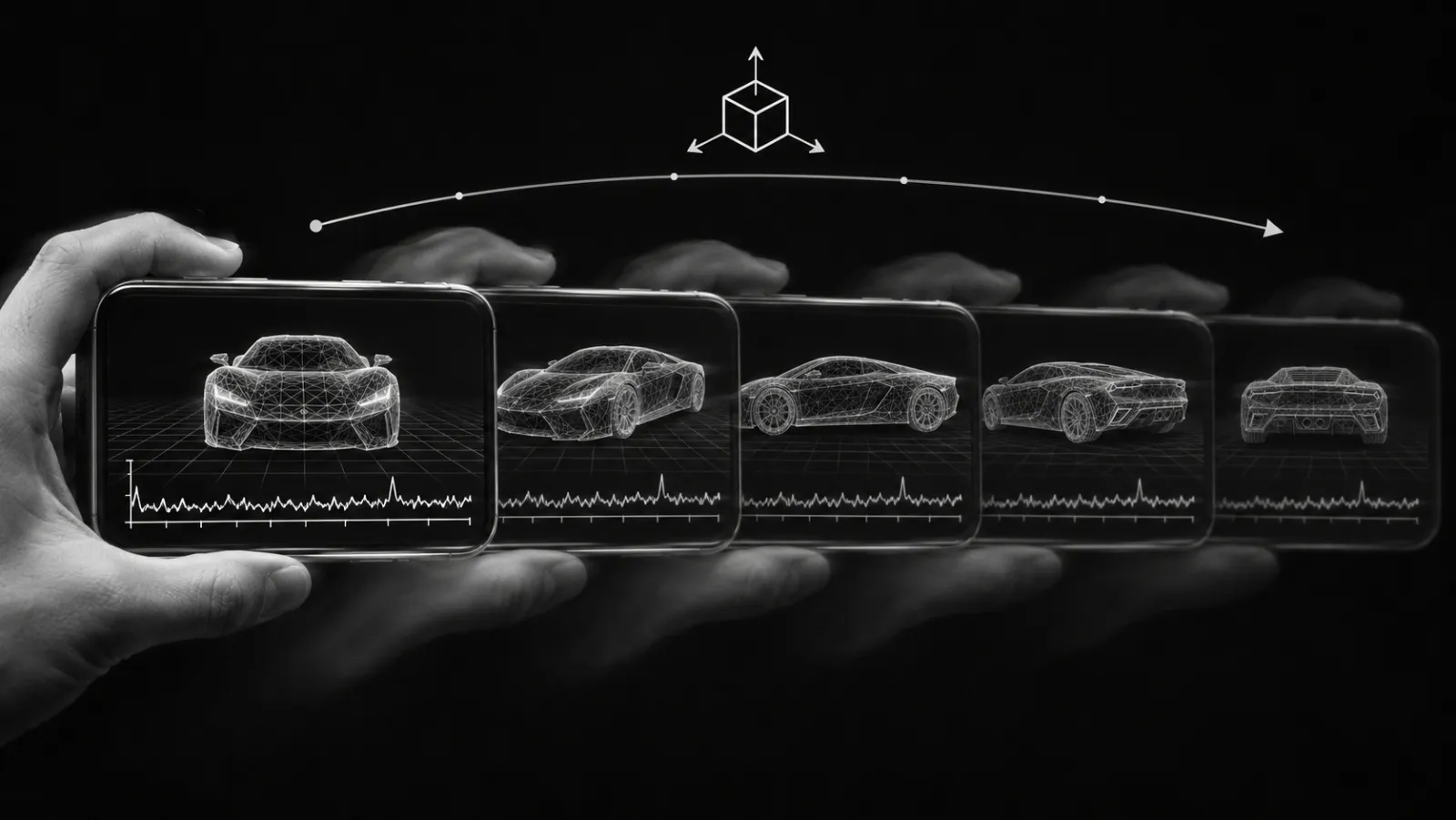
Many brand websites launch full-screen WebGL scenes that run effortlessly on a developer workstation with a discrete GPU, yet drop to 15 to 20 frames per second on mid-range smartphones, heat up the chassis, and delay interaction on the primary call to action. The root cause is rarely browser capability alone; it usually stems from downloading multi-megabyte meshes upfront, compiling shaders synchronously on the main thread, and keeping a render loop spinning even after the visitor scrolls past the hero. When 3D visuals compete directly with load speed and touch responsiveness, visual polish quietly erodes conversion rates.
When WebGL Differentiates a Brand vs When It Hurts Conversions
Interactive 3D earns its performance budget when spatial motion communicates material depth, mechanical structure, or product craftsmanship faster than flat photography. Dropping heavy WebGL scenes behind dense editorial copy, pricing tables, or lead forms introduces latency and distraction with little commercial return.
| Deployment Scenario | Brand Impact | Load Speed & Conversion Risk | Recommended Architecture |
|---|
| Hero 3D centerpiece on a flagship brand or studio page | Establishes technical identity and material precision | Delays LCP if canvas initialization blocks above-the-fold paint | Render an SSR static poster first; mount WebGL lazily after paint |
| Interactive hardware or industrial product viewer | Lets buyers inspect joints, finishes, and proportions | Large assets stall 4G connections and exhaust mobile RAM | Ship low-poly GLB with Draco/Meshopt compression on user intent |
| Continuous 3D background behind long-form copy and forms | Minimal informational benefit to evaluators | Keeps GPU active, triggers scroll jank, pushes INP past 200 ms | Replace with CSS gradients, WebP art, or freeze loop on scroll |
| Checkout screens or B2B quote submission flows | Negligible differentiation at the decision step | Distracts visitors, drains battery, risks context loss | Omit WebGL entirely; prioritize instant tap feedback |
To align motion craft with conversion clarity, UI/UX design engagements should lock frame budgets and fallback states during wireframing rather than bolting WebGL onto completed layouts.
According to MDN Web Docs WebGL best practices, mobile frame drops are driven primarily by fragment-shader pixel fill rate, uncompressed texture memory in VRAM, and redundant GPU state updates. Applying four engineering controls keeps frame times within the 16.6 ms budget required for 60fps:
- 01Pause offscreen and background canvases: Never leave
requestAnimationFrame running unconditionally. Attach an IntersectionObserver to stop the render loop when the <canvas> exits the viewport, and listen to visibilitychange and webglcontextlost so background tabs release GPU cycles immediately. - 02Use low-poly compressed geometry and cap pixel ratio: Export assets as GLB with Draco or Meshopt compression, keeping triangle counts trimmed for a 390 px mobile viewport. Do not pass an uncapped
window.devicePixelRatio of 3.0 to the renderer: rendering at 3x multiplies pixel fill work by 9x compared to 1x. Cap DPR between 1.5 and 2.0 on mobile and serve GPU-compressed textures (KTX2/Basis Universal) instead of heavy PNG bitmaps. - 03Animate UI overlays with GPU-only CSS transforms: Headlines, labels, and buttons layered over a WebGL
<canvas> should animate strictly via transform and opacity. Animating top, left, width, or large dynamic backdrop-filter blurs forces layout and compositor passes that contend with WebGL presentation.
Per the web.dev Web Vitals overview, real-user performance is judged at the 75th percentile (p75) against three targets: LCP <= 2.5 seconds, INP <= 200 milliseconds, and CLS <= 0.1. Teams shipping Web 3D can protect all three vitals through five concrete guardrails:
- 01Lock container geometry in CSS: Declare an explicit
aspect-ratio or fixed min-height on the <canvas> wrapper so layout space is reserved during initial HTML parsing, holding CLS near zero. - 02Decouple the LCP element from 3D JavaScript: Designate a server-rendered poster image or headline block with
fetchpriority="high" as the LCP element so first paint never waits for Three.js bundles or shader compilation. - 03Load runtimes asynchronously and decode off the main thread: Code-split WebGL dependencies via dynamic imports after initial paint or first interaction, and run Draco or Meshopt mesh decoding inside Web Workers to avoid main-thread long tasks over 50 ms that degrade INP.
- 04Minimize draw calls and per-frame allocations: Merge static meshes, batch repeated geometry with
InstancedMesh, and pre-allocate reusable Vector3 and Matrix4 objects outside the render loop to prevent garbage-collection stutters. - 05Profile on mid-tier mobile hardware under sustained load: Test on physical mid-range Android and iOS devices over cellular throttling for 30 to 60 seconds of scrolling, as thermal throttling often appears only after initial warm-up.
Scope, Caveats, and Practical Limitations
Core Web Vitals thresholds (LCP <= 2.5 s, INP <= 200 ms, CLS <= 0.1 at p75) are cited from official web.dev documentation, while fill-rate, draw-call, and context-lifecycle practices draw from MDN Web Docs WebGL best practices. The ROI matrix, mobile DPR ceiling of 1.5 to 2.0, and five-step checklist reflect ToanKhonTech's engineering analysis across production web builds.
Three practical constraints apply in production. First, mobile browsers strictly limit concurrent active WebGL contexts per page; embedding multiple independent 3D canvases on one route risks unexpected context eviction. Second, desktop simulators mask mobile GPU memory-bandwidth limits and thermal throttling. Finally, holding 60fps elevates craft and brand recall, but cannot rescue unclear product positioning or slow form workflows.