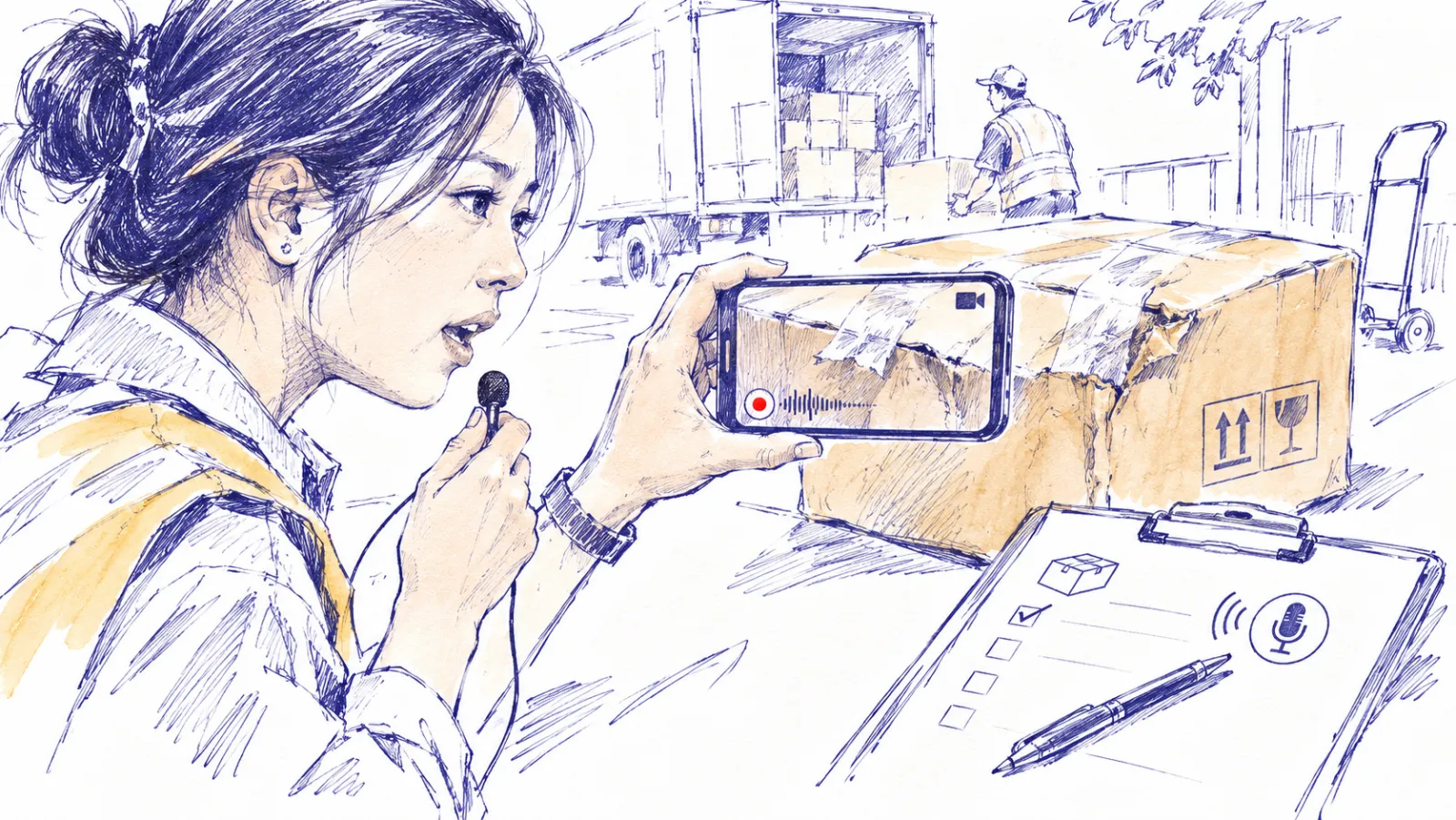
Users on phones and web browsers increasingly expect to snap a photo of a utility meter, scan a wrinkled receipt, or speak a field note instead of tapping through multi-page forms. Integrating multimodal AI models that process images, audio, and text together can compress minutes of manual data entry into a few seconds.
Yet the gap between a quick prototype on office Wi-Fi and a dependable feature inside production mobile and web apps is substantial. Sending raw 12-megapixel camera photos over cellular data, streaming un-trimmed background noise, or leaving no fallback when a user steps into an elevator drives up API bills, stalls the interface, and drops user tasks mid-flow.
Resizing images on the client to cut token cost and upload latency
A frequent mistake in mobile document scanning and visual inspection is pulling the full 4032 x 3024 pixel JPEG or HEIC output straight from the camera sensor (typically 3 to 6 MB) and sending it over 4G. That approach saturates upload bandwidth without improving model accuracy.
According to Anthropic's official Vision documentation, standard models automatically scale down incoming images whose long edge exceeds 1568 pixels (or total size limits) before running inference. Anthropic explicitly recommends resizing images on the client before upload rather than relying on server-side downscaling, which adds avoidable latency before the first token arrives. Because visual tokens are billed in 28 x 28 pixel patches (roughly approximated as width x height / 750), trimming unnecessary pixels directly reduces inference cost.
| Mobile vision workload | Target upload dimension | Typical JPEG payload | Approximate visual tokens | Upload speed on 4G and best use case |
|---|
| Raw camera sensor capture (avoid) | 4032 x 3024 px | 3.5 to 6.0 MB | Scaled down on server to 1568 px ceiling | Slow 1.5 to 4.0 s upload; wastes battery and data |
| Receipts, IDs, equipment gauges | Max 1568 px long edge | 180 to 380 KB | Roughly 1,500 to 1,600 tokens (4:3 ratio) | Under 300 ms upload; preserves fine digits and small print |
| Product tagging and scene triage | 768 px long edge | 60 to 120 KB | Roughly 550 to 650 tokens (4:3 ratio) | Under 150 ms upload; substantial token savings |
Before compressing to JPEG or WebP at quality 0.80 to 0.85, the iOS, Android, or browser client should apply EXIF orientation rotation and crop tightly to the active viewfinder region. Removing irrelevant tabletop background around a receipt keeps text sharper within the exact same 1568-pixel budget.
Mobile camera feeds carry far higher privacy risk than plain text boxes because frames can accidentally capture bystanders, vehicle plates, or sensitive desk screens. Production apps should enforce clear boundaries at capture time:
- Isolate live previews from network payloads: Keep the camera preview stream strictly inside local device memory for alignment guides. Never upload background frames silently before an explicit user shutter tap or consent action.
- Strip EXIF metadata and mask non-target areas: Before sending over TLS, scrub GPS coordinates, device serial strings, and lens metadata from the image buffer. For barcode or serial-number tasks, crop or blur regions outside the target rectangle on-device.
- Proxy all vendor calls through your backend: Never embed third-party AI provider keys inside iOS/Android app bundles or browser JavaScript. Clients should authenticate with short-lived session tokens against an application backend that enforces per-user rate limits.
- Bind visual and audio output with Structured Outputs: Once the model reads a receipt or transcribes an inspection memo, the UI needs deterministic typed fields to render confirmation cards. As documented in OpenAI's Structured Outputs guide, enabling
strict: true with additionalProperties: false and anyOf unions allowing null for optional fields stops models from inventing placeholder strings when ink is smudged or fields are absent.
Controlling streaming latency and graceful fallback when network drops
Unlike single-shot photo uploads, live voice interaction feels broken if the interface freezes for several seconds after the user stops speaking. Engineering teams can stabilize real-time multimodal flows with a five-step checklist:
- 01Run Voice Activity Detection (VAD) on-device: Filter out silence and ambient room noise locally before opening or transmitting Opus/PCM audio chunks, cutting bandwidth and avoiding charges for dead air.
- 02Stream partial transcripts and incremental fields: Use WebSockets or Server-Sent Events (SSE) so the UI renders live speech transcripts and progressive form fields within a few hundred milliseconds rather than waiting 4 to 6 seconds for a complete payload.
- 03Cancel superseded requests immediately: When a user retakes a blurry photo or mutes the microphone mid-utterance, abort in-flight HTTP requests and close active stream readers via
AbortController so stale responses never overwrite newer UI state. - 04Persist an offline queue with idempotency keys: If cellular connectivity drops inside a basement or warehouse, write the compressed image or short audio clip to local SQLite or IndexedDB alongside a unique idempotency key. Display a clear "Saved offline, queued for analysis" badge instead of discarding the user's capture.
- 05Provide deterministic local fallbacks: For basic text extraction or barcode lookup when cloud endpoints time out, fall back to built-in Apple Vision, Google ML Kit, or a pre-filled manual entry form so field workflows never stall completely.
Scope, evidence boundaries, and engineering limitations
This guide reflects ToanKhonTech's cross-platform mobile and web engineering practices alongside technical behavior documented in Anthropic's Vision guide and OpenAI's Structured Outputs specification. It is intended as an architectural reference rather than a fixed benchmark across all hardware or carrier conditions.
Actual token spend and round-trip latency depend on cellular signal quality, model tier selection, and document density. Compressing dense A4 pages below quality 0.75 or resizing below 1000 pixels can degrade small-font OCR accuracy. Likewise, bundling local VAD or on-device OCR models increases app binary size and battery draw, making real-device profiling on mid-tier Android and iOS hardware essential before broad rollout.